Most people buy a 20V cordless drill driver, jam a bit in the chuck, and start driving screws with the clutch wide open and the trigger buried to the floor. Twenty minutes later the bit has cammed out of the screw head, the drywall looks like it lost a fight with a chisel, and the drill gets the blame.
The drill is almost never the problem. I ran a contracting crew in Cleveland for 22 years, and the number of callbacks I made for "bad drill" that turned out to be bad setup would fill a notebook. The tool is fine. The setup is wrong.
This is the routine I teach every new apprentice on their first Monday: charge and manage the battery, seat a bit so the chuck actually bites, set the clutch so it stops before it buries a screw, pick the right speed range, and keep the whole thing alive long enough that it earns a spot on the truck instead of a hook on the graveyard wall in my shop.
Why you should trust me
I spent 22 years running a general contracting crew in Cleveland. Decks, basements, kitchens, and more 200-screw deck builds than I can count. Every tool that died on my jobsite ended up on the graveyard wall in my shop: screwguns with melted brushes, a hammer drill that caught fire mid-pour, an impact driver that stripped its own anvil. Thirty-some tools up there now.
The wall started as a joke. It turned into the most honest review system I know, because nothing gets on it without earning its death. Spec sheets do not survive contact with a jobsite, and neither do most of the tools I look at.
What I care about with a drill: what it feels like at screw 50, whether I can still buy batteries and parts in five years, whether the chuck still bites after 200 bit changes, and whether I would hand it to my apprentice on a Monday morning. Those four questions are the whole test.
What matters before you spend anything
Three things decide whether a drill is worth owning, and none of them is the number printed on the box.
The battery platform. You are not buying a drill. You are buying into a battery family you will still be married to in ten years. If the brand sells one drill and nothing else, that is a dead end, no matter how the drill feels in your hand on day one.
The chuck. A chuck that slips is a tool that lies. A 1/2-inch keyless chuck is the standard for homeowner work because it holds round shanks and hex shanks, and the chuck is the part that fails first on cheap drills.
The clutch. The adjustable collar that stops the chuck at a set torque so you do not drive screws through drywall. More settings means finer control, and a 21+1 clutch gives a first-timer plenty of room to learn on.
Prices on this stuff move constantly, so I do not quote them. Every listing below carries a live number. Check current Amazon price before you buy.
The two drills I would hand a first-timer
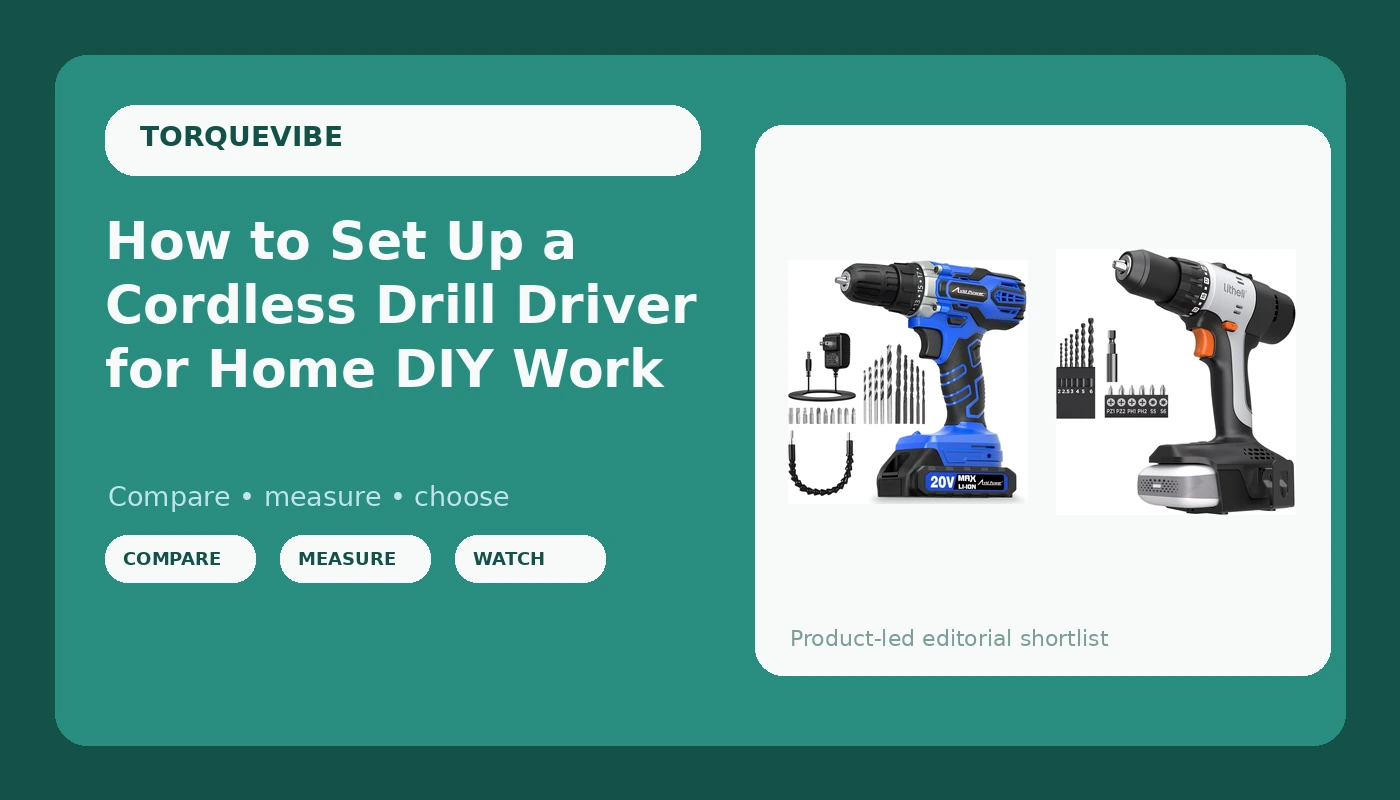
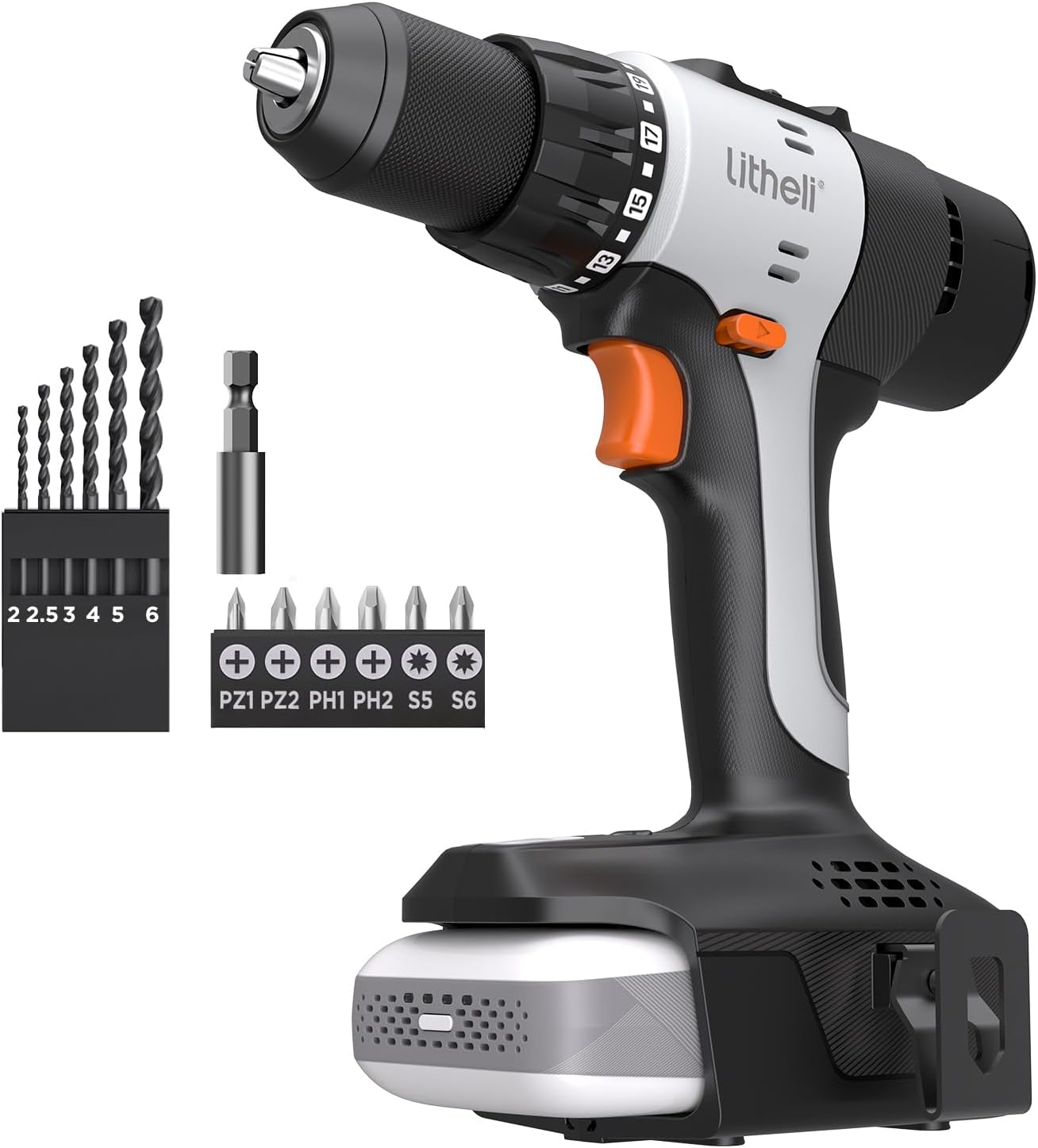
Budget pick: Litheli 20V Cordless Drill Driver, Electric Power Drill with 2 Variable Speed Settings, 1/2 Inch Keyless Chuck, 21+1 Clutch Settings with Maximum Torque of 443 In-lbs (Charger not Included)
 Visit on Amazon →
This is the bare drill, and the name tells you the tradeoff up front: charger not included. If you already own a Litheli 20V battery and charger, this is the cheapest way onto the platform, and it covers the three things that matter. Two variable speed settings, so you get a low range for driving screws and a high range for pilot holes. A 1/2-inch keyless chuck, which is the size I want on anything I am asking to hold a real bit. And a 21+1 clutch, which is more adjustment than most homeowners will ever use and exactly the control a first-timer needs to stop stripping screw heads.
The 443 in-lbs of torque in the name is a spec-sheet number, measured the way all spec-sheet numbers are measured: fresh battery, warm motor, best case. That figure is fine for driving screws into pine, plywood, and cabinet stock. It is not the number you want for 3-inch deck screws into wet treated lumber. For that job you want an impact driver, and no drill on this list changes that.
Flaws but not dealbreakers: No charger in the box. If you are starting from zero, factor in the cost of a battery and charger for the platform, which can easily run past what the drill itself costs. Buy this one when you are already on the platform, or when you are adding a second drill to a kit you own.
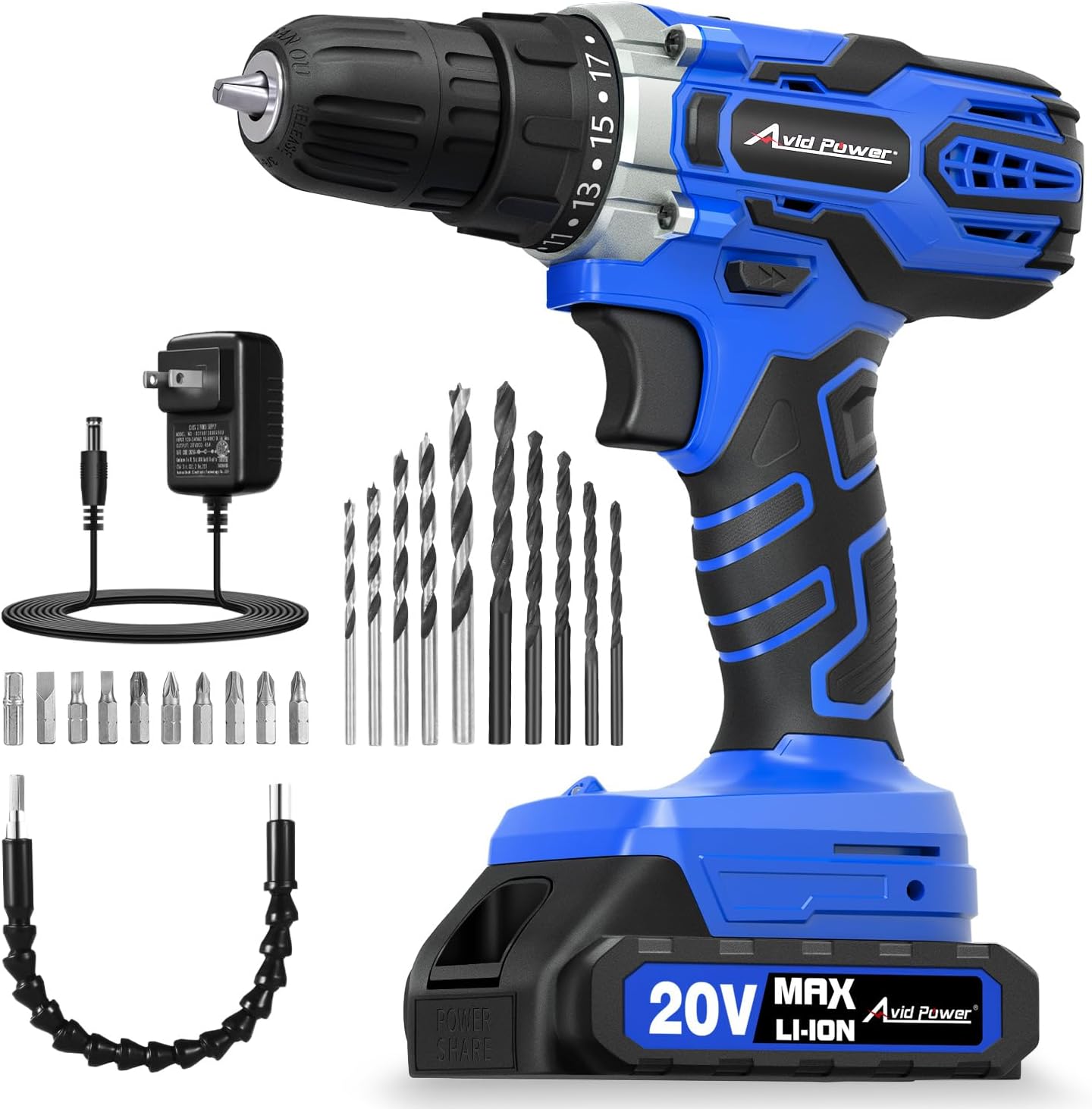
Our pick: AVID POWER 20V Cordless Drill Set with Battery & Charger for Home DIY-Blue
 Visit on Amazon →
For most people reading this, the set is the smarter buy. It arrives as a complete kit with the battery and the charger in the box, which means you can charge it, chuck a bit, and drive a screw the same afternoon. No hunting for a charger that fits, no discovering at the hardware store that the battery you need is out of stock.
That "complete kit" detail matters more than any single spec, and here is why. The most common way a homeowner ends up with a dead drill in a drawer is a missing charger or a battery that will not hold a charge anymore. Buying the set removes both failure points on day one, which is worth more than a few dollars saved on a bare tool.
Flaws but not dealbreakers: It is a home DIY drill and I would treat it that way. Weekend projects, furniture assembly, hanging shelves, a raised bed out back. It is not the tool I would hand a crew framing a garage, and it is not trying to be.
The setup workflow, step by step
Now the part that actually makes screws go in straight.
Step one: charge the battery fully before the first use. New batteries often ship at partial charge because of shipping regulations. Put it on the charger and leave it until the light says full. If you bought the bare drill, this is the step where you find out whether you own the right charger. Do that before you need the drill, not in the middle of a project.
Step two: match the bit to the fastener. A Phillips #2 fits the vast majority of #6 through #10 screws you will meet in a house. A #1 is for tiny hinge screws. Using a #1 bit on a #8 screw is how you round out a screw head, and once a head is rounded, the drill takes the blame for a bit problem. If the bit wobbles in the screw head, it is the wrong bit.
Step three: seat the bit in the chuck. Open the keyless chuck by hand, push the bit in until it bottoms out, then tighten. Here is the trick most people miss: tighten in three stages, rotating the chuck about a third of a turn each time so all three jaws grip evenly. Hand tight is enough. You are not hanging a chandelier.
Step four: set the clutch before you drive anything. Start low. Five to eight on the collar will drive a screw into drywall or pine and then stop, which is exactly what you want while you learn the tool. Turn it up only when the clutch slips before the screw is seated. On the highest setting the clutch is effectively off, and on the setting past the numbers you get drill mode, which is for drilling holes and nothing else.
Step five: pick your speed range. Low gear for driving screws, hole saws, and anything over a 1/2-inch bit. High gear for pilot holes and small bits in softwood. The variable speed trigger is there so you can slow down at the end of a drive and feather the last quarter turn instead of slamming the screw home.
Step six: drill a pilot hole when the wood tells you to. Hardwood, tight-grain trim, and anything near the end of a board needs a pilot. Quick rule: match the pilot bit to the shank of the screw, not the threads. In softwood you can often skip it. In oak, skipping it means a split board and a trip back to the lumber yard.
Step seven: drive to the surface, not through it. Let the clutch do the work. If you are fighting the drill, you are in the wrong gear, on the wrong clutch setting, or using the wrong bit. All three are fixable in about ten seconds.
Step eight: stop when the battery tells you. Modern lithium batteries do not like being run to zero, and they really do not like being stored dead in a cold garage. When the drill starts to slow, swap in a fresh battery and put the tired one on the charger. A 40-degree Cleveland morning is hard on any battery, so bring them inside the night before a cold job.
Step nine: keep the chuck clean. Sawdust packed into the jaws is what makes a chuck start slipping at month eight. Blow it out, and if the jaws feel gritty, work them open and closed a few times with the drill switched off.
Where people go wrong
Cranking the clutch to max on day one. You lose all the protection the clutch offers, and you drive screws through drywall, through trim, and into whatever is behind it.
Trusting the torque number on the box. That number comes off a fresh battery with a warm motor. Real torque is what is left after 50 screws, a tired arm, and a cold morning. The drill that still drives straight at screw 200 is the one worth owning.
Buying a platform with no future. If the brand does not sell batteries, chargers, and a few other tools, you bought a disposable drill with a nicer handle.
Storing batteries on the charger in a freezing garage. Heat and cold both shorten battery life. Charge them where you live, store them where it is dry.
Testing the tool on drywall and calling it a jobsite test. Drywall tells you nothing. Pine, oak, and treated lumber tell you everything.
What this all costs
I do not quote prices here because they move, and a number I type today is wrong next month. Check current Amazon price on both listings above and compare them against what you already own.
The math that matters is not the sticker. It is whether you are buying a drill or buying into a system. If you already own Litheli 20V batteries and a charger, the bare drill is the cheaper path in, and it still gets you a 1/2-inch chuck and a 21+1 clutch without paying twice for hardware you already have. If you own nothing, the AVID POWER set puts a battery and charger in the same box, so what you spend on day one is what you spend. No second trip, no surprise at the register.
Over five years, the difference between a drill that lives in a drawer and one that earns a spot on the truck comes down to about ten minutes of setup and one battery habit. That is the whole secret. Set the clutch, match the bit, let the tool do the work, and stop blaming the drill.